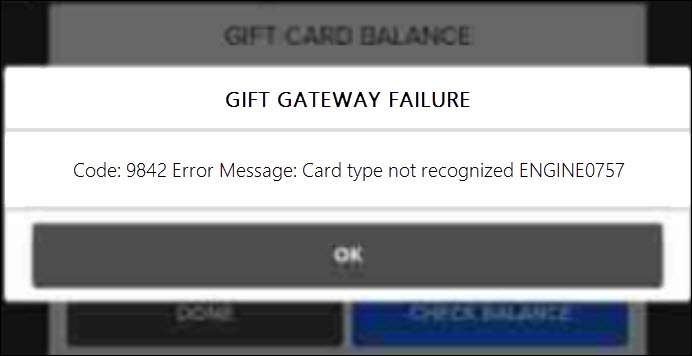
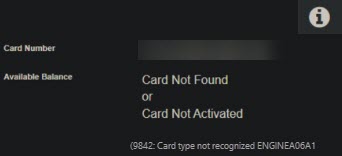
What Is Causing This Error?
The error "Card Not Found, Card Not Activated" or "Error 9842: Card type not recognized" typically occurs when you have a merchant location marked as "Inactive" and you attempt the card lookup from that inactive merchant in Transaction Manager.
How Do I Resolve This Error?
You will need to select an active merchant account and try your inquiry again.
MID Restriction or Deactivate
- Restrict access to the MID by editing the user's access to this inactive MID.
- Fully deactivate the MID if the archive access is no longer needed.
Internal
Note: If the merchant advises they no longer want archive access to the inactive MID, agents should create a task for account maintenance requesting the MID to be deactivated, then transfer the case to account maintenance.
Review and Find the Active Account
- Navigate and review "Resolve a "9839 Your merchant database is currently offline" article for verifying if the account should be offline or inactive.
- Process the transaction on the active account.
Comments
0 comments
Please sign in to leave a comment.